In this article
Delete a Credit Card on a Desktop
- Login to your Pike13 account.
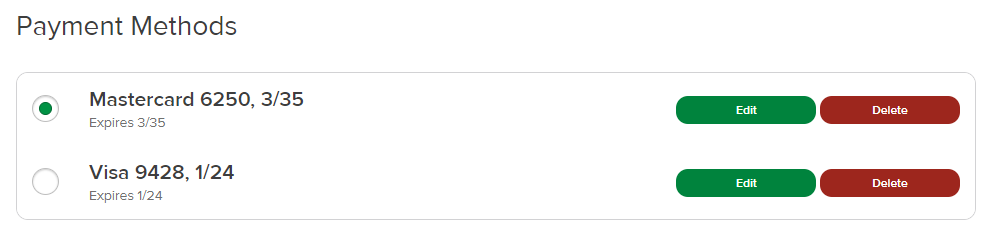
- Select Payments from the right hand menu.
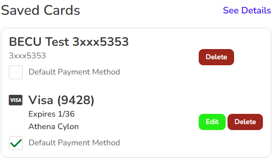
- Click Delete next to the credit card you wish to remove.
- Select Yes in the "Are you sure?" prompt to delete the credit card.
Delete a Credit Card from a Mobile Browser
- Login to your Pike13 account.
- Tap Profile in the top right corner when viewing your Dashboard.
- Select Payments.
- Tap Delete on any other cards that you want to remove.
- Select Yes in the "Are you sure?" prompt to delete the credit card.