
The Schedule Widget bridges the gap between your marketing website and your Pike13 site. By embedding your live schedule, you allow prospective clients to browse classes and courses without leaving your site. Once they select an event, they are funneled directly into the Pike13 enrollment and payment workflow for a seamless checkout experience.
In this article
Who can use this feature?
- Pike13 Plans: ✅Premium, ✅Advanced, ❌Essential
- User Roles: ✅Primary Owner, ✅Owner, ✅Manager, ❌Staff, ❌Limited Staff
Configuring the Schedule Widget
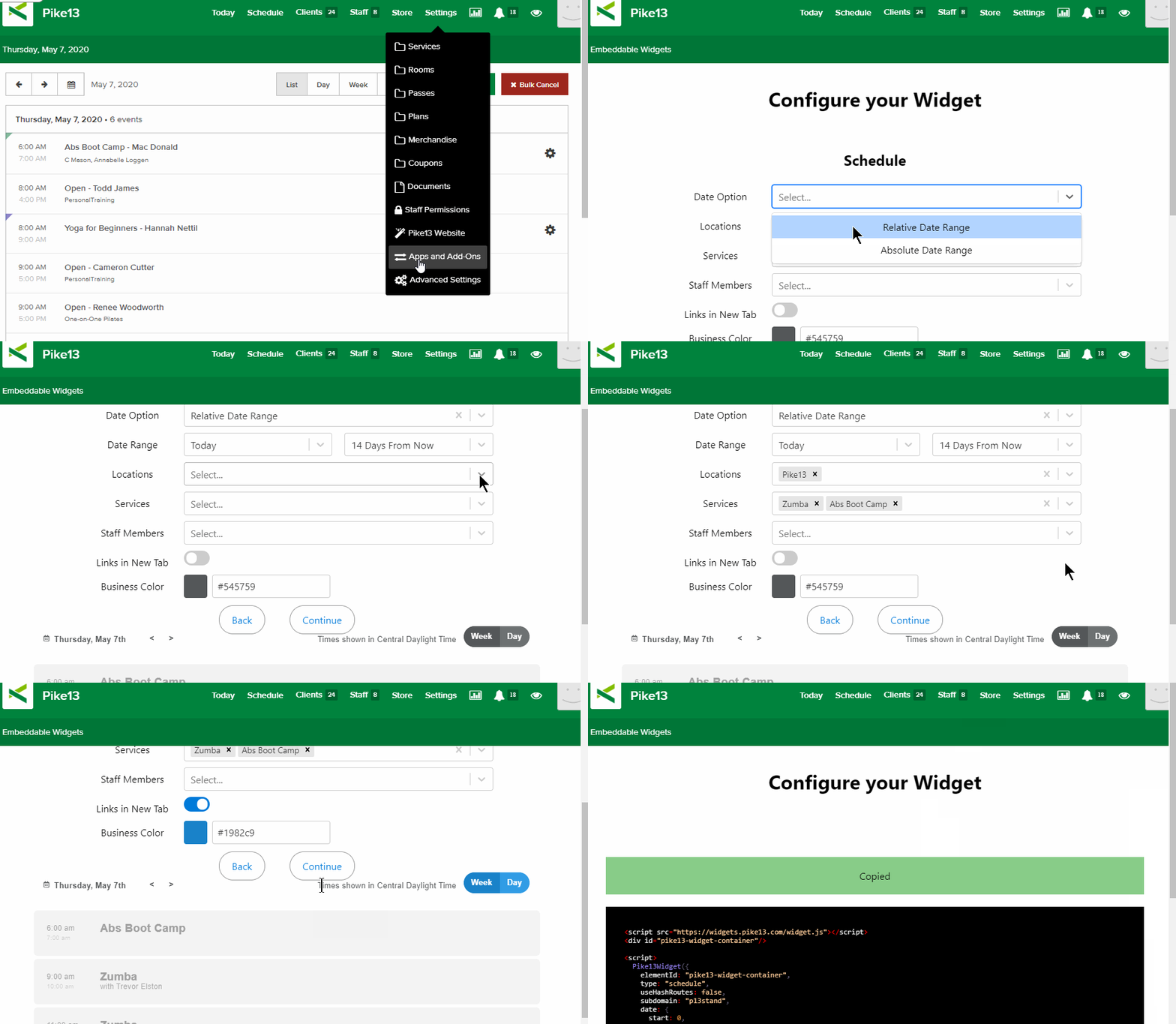
- At the top of any Pike13 page, click Settings, then click Apps & Add Ons.
- Click Embeddable Widgets and select the Schedule widget option.
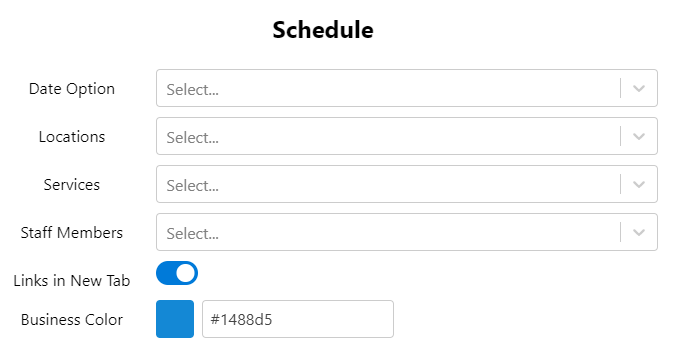
- Select a Date Option.
- Relative Date Range: A dynamic date range.
- Examples: "Today", "7 Days Ago", "14 Days From Now"
- Absolute Date Range: Specific start date and specific end date.
- Relative Date Range: A dynamic date range.
- Select Location(s) - you can select more than one.
- Select Services - you can list all, one, or select multiple services to show in the widget.
- Choose Staff Members if necessary.
- Choose whether links from the widget will open in a new tab.
- Set the Default Widget View to Week or Day.
- Confirm or change the color of the buttons on the widget.
- Look at the preview to the left to ensure the widget looks correct, then click Continue.
- Click Copy to Clipboard below the widget code to use in your marketing site.
Note
Viewing Permissions
To ensure a staff member or particular services appear in the widget, verify these two settings:
-
Service: Go to the specific service > Website Settings > set Show instructor name? to Yes.
-
Staff Member: Go to the staff member's profile > Edit Profile > set Show on your Pike13 website to Yes.
More Information
For additional information on how to use this code in your marketing site, please see this article: Adding Widgets to Your Marketing Site