Once you create a Pike13 account, you will be able to create a client profile at multiple business that use Pike13 and manage all of your profiles from one account.
In this article
Update your account information
- Login to your Pike13 account.
- Select Your Account from the right hand menu
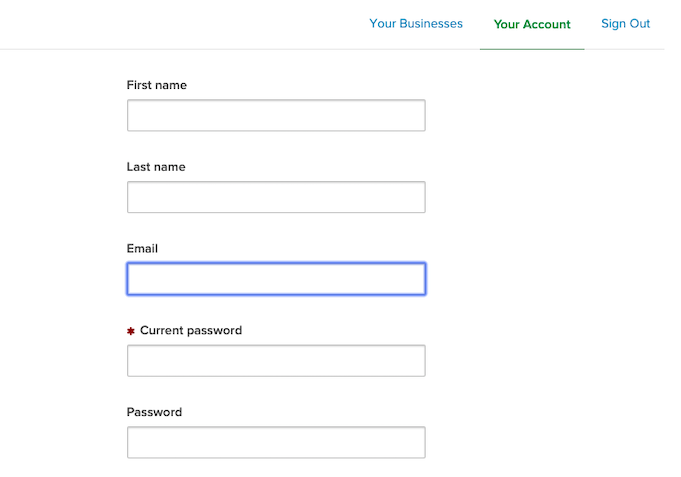
- Click on your account
- Update information
- Select Save
Manage multiple profiles
- Login to your Pike13 account.
- Select Your Account from the right hand menu.
- Click on Your Businesses.
- Select the Pike13 business where you currently wish to manage your client profile.
- When ready, click on Your Account again to select a different Pike13 business.