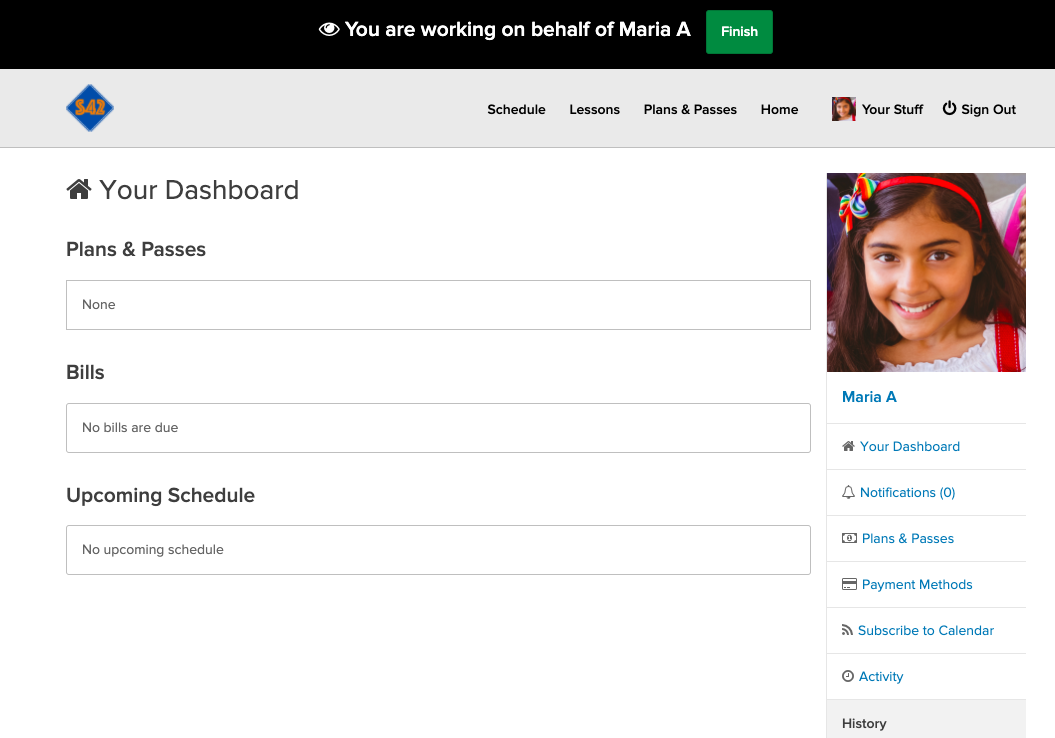
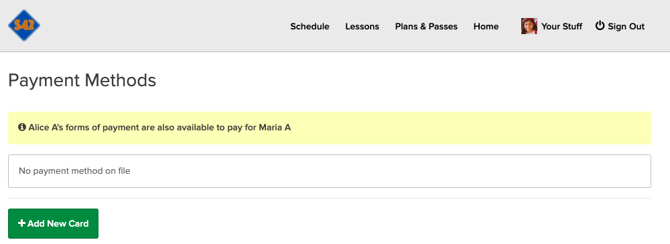
If you manage a child or another family member, you can handle their bookings and payments directly from your own account.
In this article
Adding a New Person
To add a dependent to your account:
-
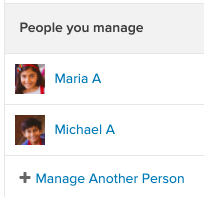
Locate People You Manage in your dashboard menu.
-
Select Manage Another Person and follow the prompts to create their profile.
Switching Between Profiles
Once a person is added, simply click their name to switch to their dashboard. While viewing their profile, you can:
-
Book & Schedule: Sign them up for classes or appointments.
-
Review Services: Check their remaining visits and active plans.
-
Notifications: As the Account Manager, you will automatically receive all email and text notifications regarding their schedule.