
Want to review what you’ve done in your account? See your history in the right hand menu.
In This Article
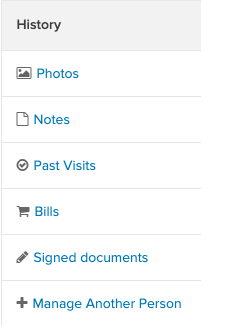
Manage how you appear to staff and other members.
-
Upload or Delete: Add a new photo or remove old ones.
-
Profile Photo: Select which image will be your primary identification photo for check-ins.
Notes
Stay connected with your instructors. This section contains all private notes and feedback sent directly to you by staff members.
Past VisitsView a complete history of every class and appointment you have attended.
Bills
Access your full financial history, including all Open (unpaid) and Closed (paid) invoices.
Signed Documents
To see the waivers, terms and conditions, and other documents you have signed online, go to Signed Documents. Click on the Document and select View as PDF to review the document.
Manage Another Person
If you are responsible for a child or a dependent, use this section to switch to their profile. This allows you to manage their schedule and payments exactly like your own.
Tip
For a deep dive into managing family members, see our guide on Dashboard Side Menu: People You Manage