
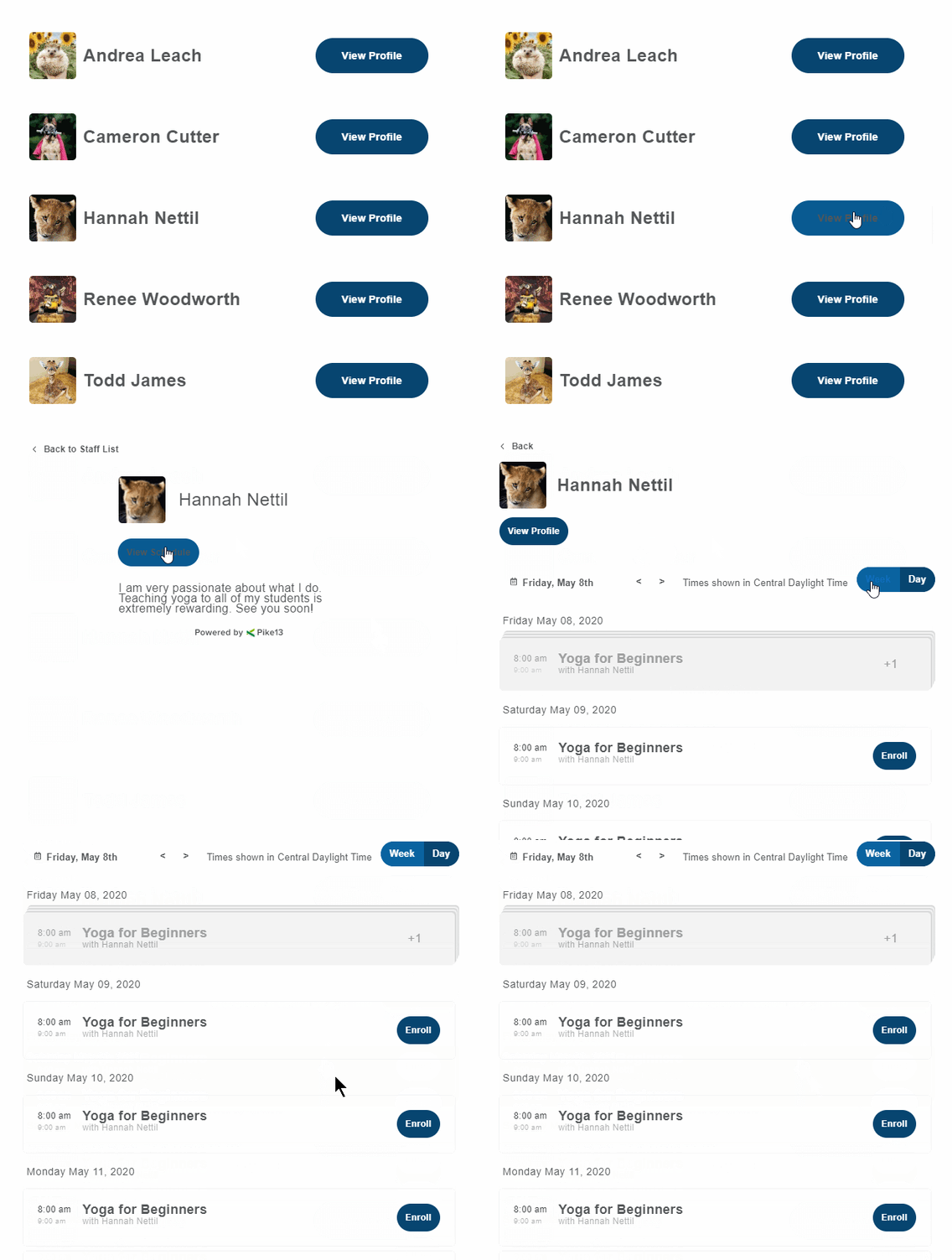
The Staff Member Widget allows you to showcase your team directly on your website. This interactive directory provides clients with easy access to staff photos and bios, highlights the specific classes each instructor teaches, and offers a direct path to enrollment, making it easier for clients to book with their favorite trainers.
In This Article
Who can use this feature?
- Pike13 Plans: ✅Premium, ✅Advanced, ❌Essential
- User Roles: ✅Primary Owner, ✅Owner, ✅Manager, ❌Staff, ❌Limited Staff
Configuring the Staff Member Widget
- At the top of any Pike13 page, click Settings, then click Apps & Add Ons.
- Click Embeddable Widgets and select the Staff widget option.
- Choose whether links from the widget will open in a new tab.
- Confirm or change the color of the buttons on the widget.
- Look at the preview to the left to ensure the widget looks correct, then click Continue.
- Click Copy to Clipboard below the widget code to use in your marketing site.
More Information
For additional information on how to use this code in your marketing site, please see this article: Adding Widgets to Your Marketing Site