
Pay Rate Assignment
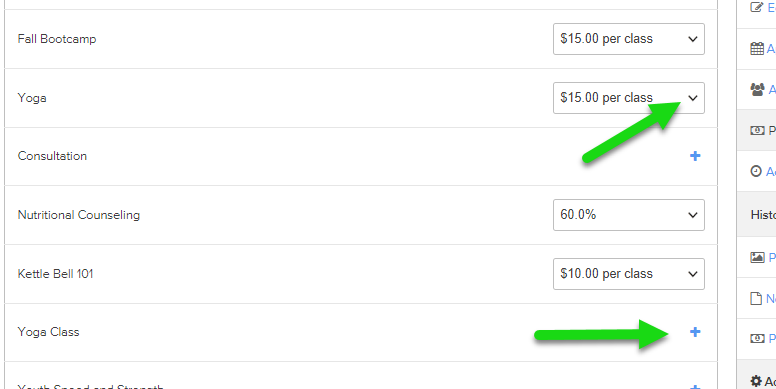
We now allow multiple service pay rates to be assigned to a staff member directly from their profile page.
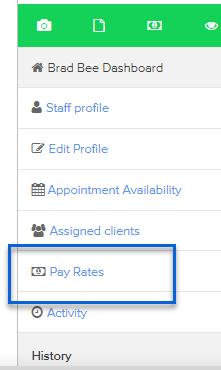
From the staff member’s dashboard, select "Pay Rates" from the right sidebar menu.
MailChimp Changes
Recently, MailChimp announced they were retiring on April 2 the API that Pike13 uses to connect to their service. We have updated our integration with MailChimp so we are now using the preferred MailChimp API 3.0. . With this update, we also made some Pike13 updates..
All new services will default to not sync with MailChimp for the first and last visit. This will help prevent exceeding the 30 MERGE tag maximum, preventing syncing problems between our two systems.
Note: If you need more than 30 Merge tags, the MailChimp Pro plan will allow you to sync 80 MERGE tags. For more details, visit the MailChimp's pricing page.
While you are thinking about MailChimp, we want to encourage you to take a look at your setup and ensure you have the correct MERGE tags turned on and that you have at least one list enabled. To check this, please follow these instructions.