
If you already have a Pike13 account (e.g., you attend a Yoga studio) and you are joining a new business (e.g., a Swim School), you do not need to create a brand new login. You can simply "link" the new business to your existing email and password; allowing you to sign in once and easily toggle between different memberships.
How to Link a New Business
-
Navigate to the Pike13 Website of the new business you wish to join.
-
Select Sign Up.
-
Enter the same email address you use for your existing Pike13 account.
-
Click Next.
-
The system will recognize your email. Enter your existing password (the one you use for your first business).
-
Note: If you want to keep your accounts separate, you must use a different email address that will result in two distinct logins.
-
-
Complete any new profile fields required by this specific business (e.g., emergency contact, birthday).
-
Click Sign Up (or Finish).
-
Waivers: If required, you will be prompted to sign the liability waiver for the new business.
Switching Between Businesses
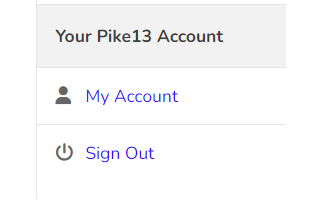
- Once your accounts are linked, click My Account (or your profile photo) in the top menu.
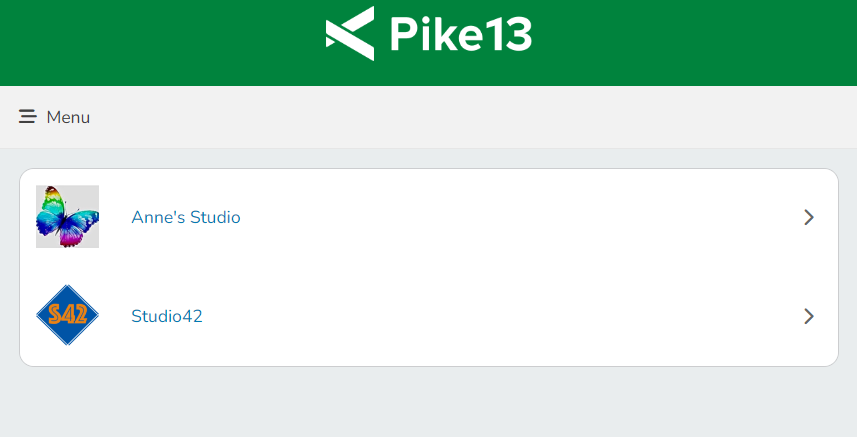
- You will now see both businesses and you can toggle between them.
Note
Forgot your password
If your password is incorrect, you will need to reset it by selecting forgot password on the sign in page. Instructions to reset your password will be emailed to you. Once you have set a new password, you will be automatically logged in to your first Pike13 business. Return to the new business you wish to join and follow the instructions above.