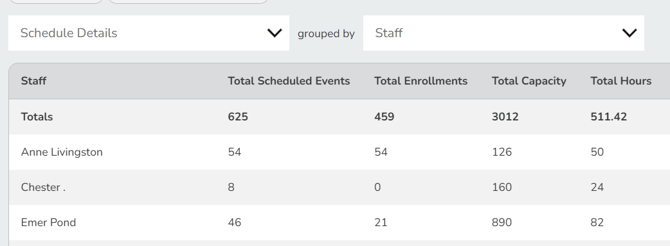
While Pike13 is not a time-tracking software, you can use the Schedule report to view the total hours your staff members were scheduled for a selected date range. This report can help you determine hours for payroll
Run a report for total hours schedule for your staff members
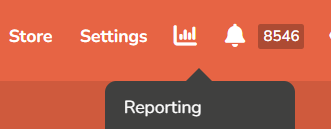
- Click Reports icon in the upper right corner.
- On the right hand side, choose Clients & Staff.
- Select the Schedule report
- In the upper left hand corner, click Details.
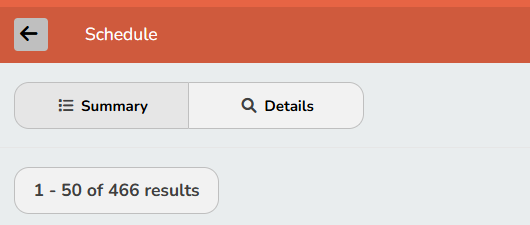
- At the top of the report next to Columns, click Filters and create the desired filter:
[Service Date] [is between] [Your Target Dates here]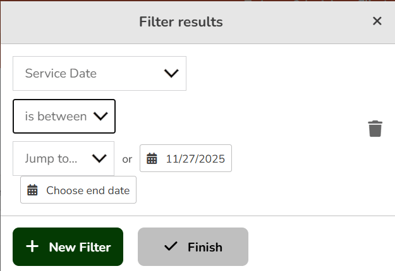
- Click Finish
- Switch to the Summary view and group by Staff